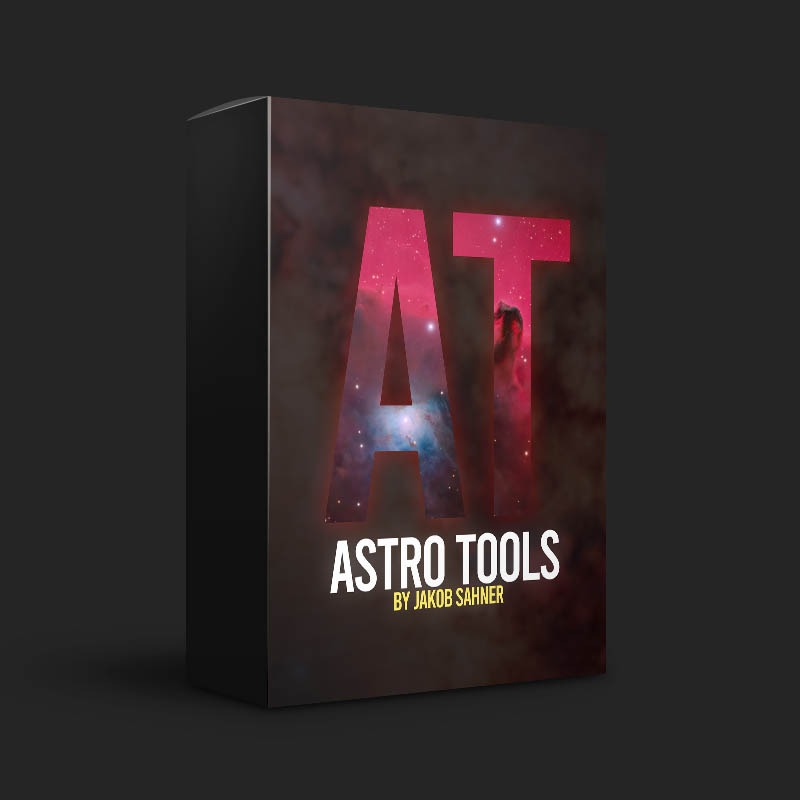
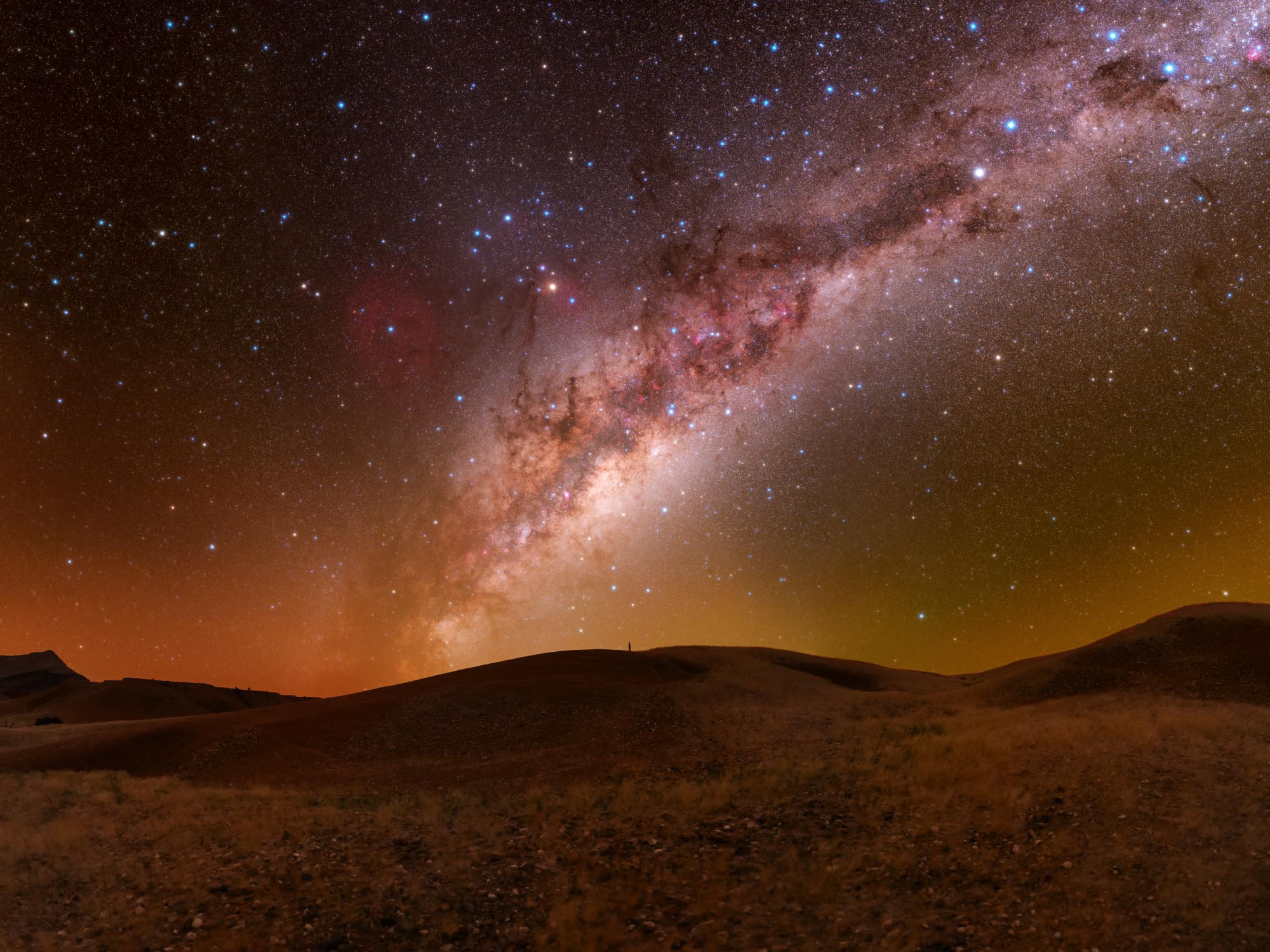
Astro Tools | Photoshop Plugin for Astrophotography
59,99 €
No VAT invoice, as the business qualifies as a small business under §19(1) of the German Value-Added Tax Act (UStG).
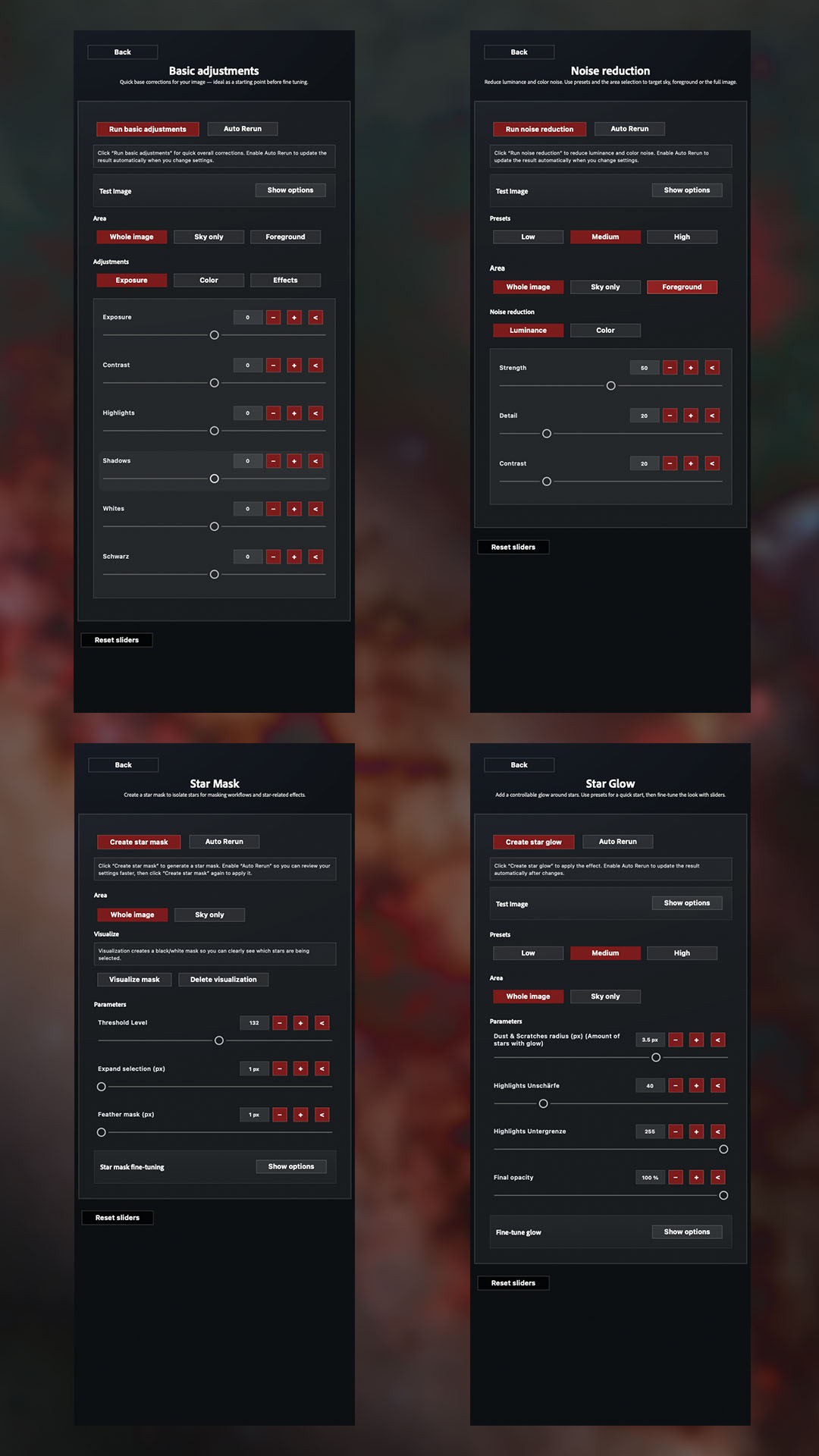
Astro Tools is a Photoshop plugin for astrophotography that streamlines your astrophotography workflow into a user-friendly interface: presets, sliders, live preview, mask-based adjustments, and popular tools like the starglow effect and much more—for consistent results in less time.
Product description
Astro Tools – the Photoshop plugin for astrophotography
With Astro Tools—the Photoshop plugin for astrophotography —you can bring the most important steps in editing your astrophotos into a clean, fast Photoshop panel. Instead of searching for actions or clicking through layer setups, you control your look directly via buttons, sliders, and presets —including live preview on a selection so you can quickly test effects without having to calculate the entire image each time.
Why Astro Tools?
-
Streamlined workflow: Frequently used astronomy tools all in one place
-
Presets + Fine-Tuning: Start with Low/Medium/High presets and fine-tune as needed
-
Live preview on selection: Perfect for large files and easy comparison
-
Mask workflows: Edit selectively (e.g., sky/regions) without having to rebuild each time
-
Consistent look: Reproducible results and clear, structured output
Who is Astro Tools designed for?
For anyone who wants to get the most out of Photoshop —from your first deep-sky edits to advanced workflows. Especially helpful if you want to save time while still maintaining a clean layer structure and achieving predictable results.
Included tools
Version 1.0.0 includes the following Astro Tools:
-
Star Mask – Quickly Select Stars and Use Them as a Mask
-
Star Glow – Controlled Glow for Bright Stars
-
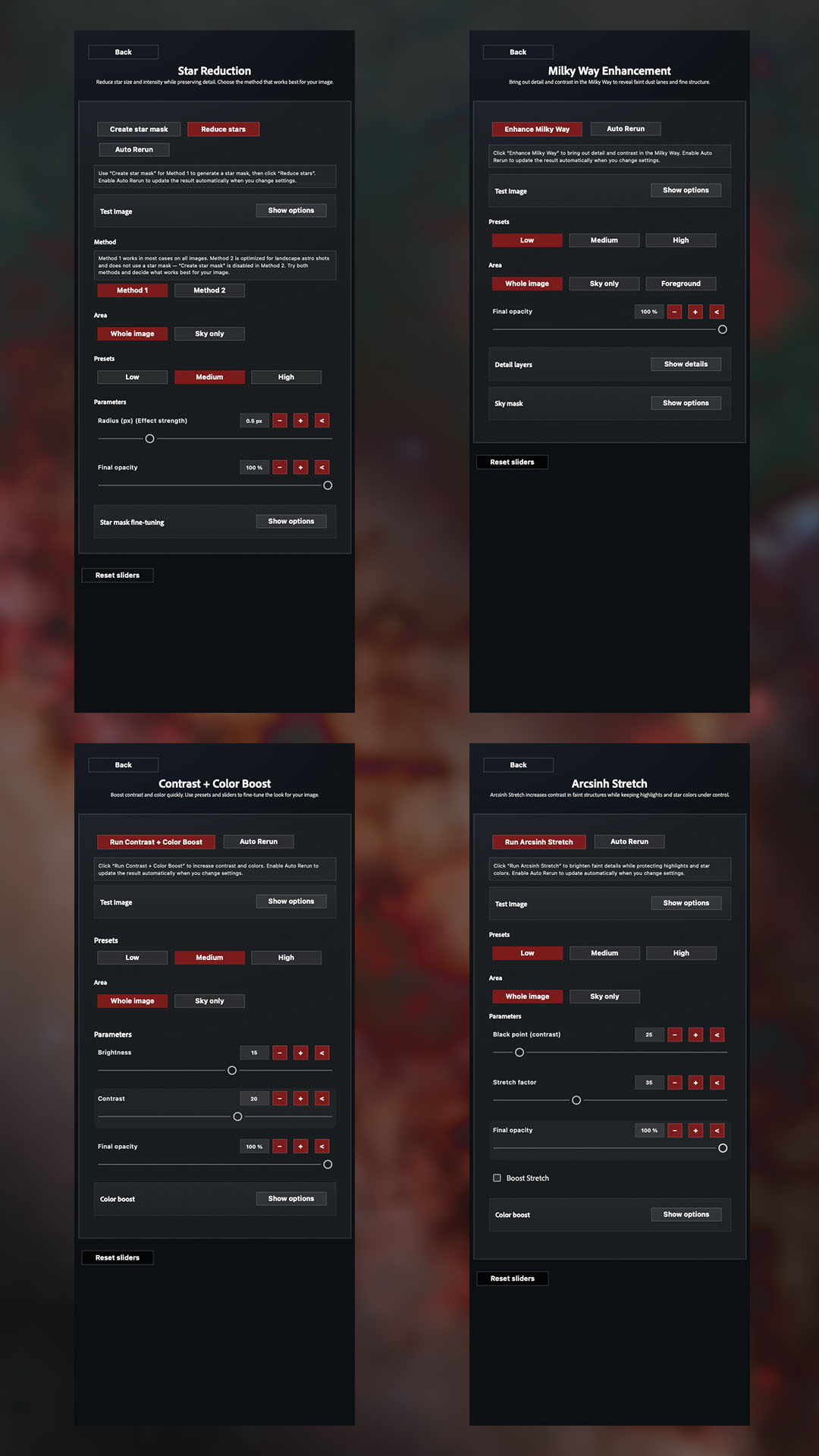
Star Reduction – Reducing Stars (2 Methods) for Smoother Star Fields
-
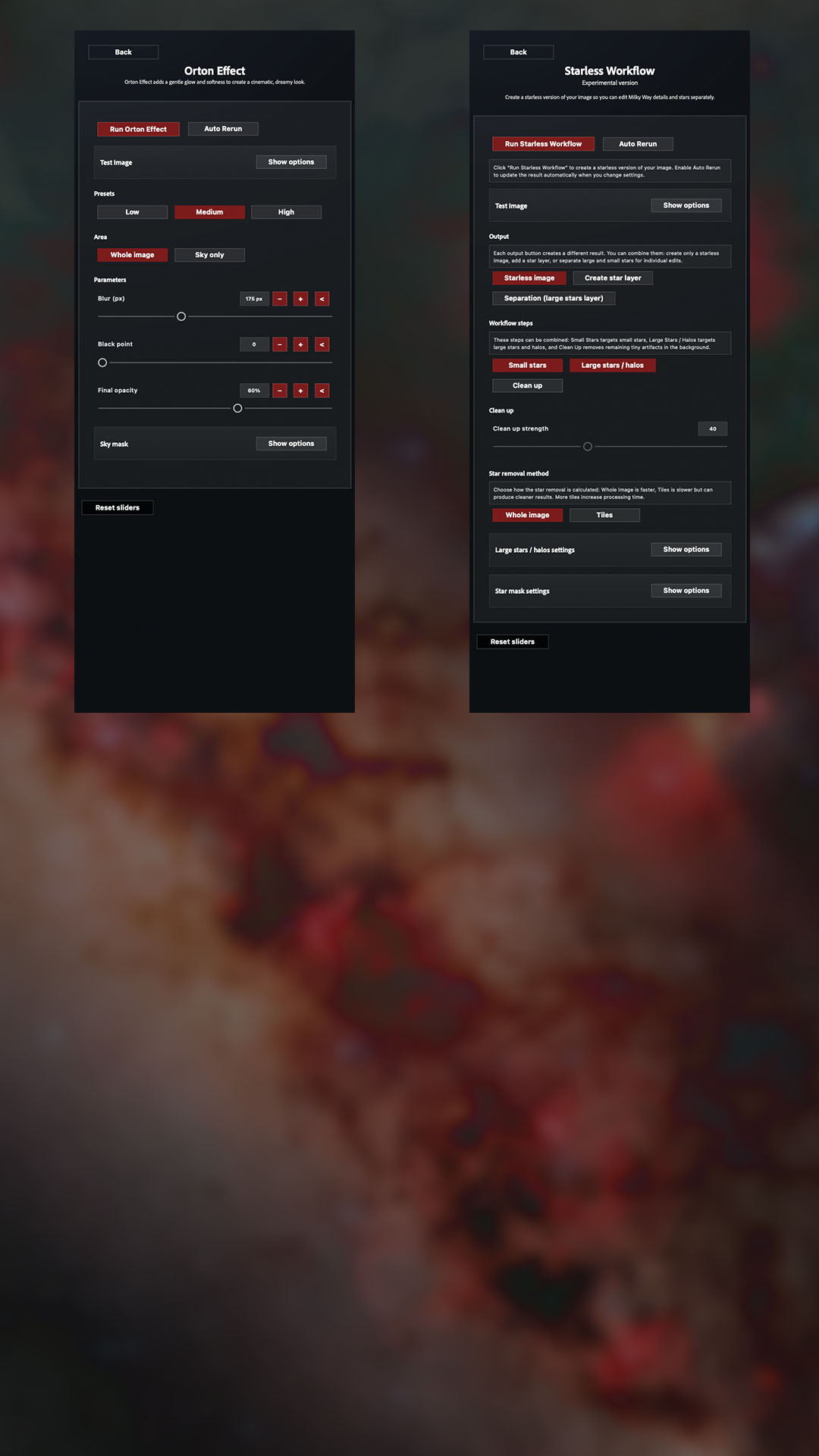
Starless Workflow – Create a starless plane, optionally with a star layer
-
Milky Way Details – more texture/details across multiple detail levels
-
Contrast + Color Boost – Quick contrast boost plus optional color boost
-
Arcsinh Stretch – color-retaining stretch fabric with contrast/boost control
-
Orton Effect – soft glow/finish for a "magical" look
- Simple adjustments – exposure, contrast, saturation, shadows, highlights...
-
Noise Reduction – Selective Noise Reduction with Masks
- Settings – Language, Slider Memory, Debug Logs & Reset Options
Existing tools receive regular updates to fix bugs or issues and add new features.
Updates & Plans for the Future
This plugin will continue to be improved over time, checked for bugs, and updated with new features. Every time you launch Photoshop, the plugin checks to see if there’s a new version available for download, so you’re always up to date.
IMPORTANT: Major updates, such as an upgrade to version 2.0.0, may require a small additional fee in the future. Users will be notified of further details as needed!
Compatibility & Additional Information
-
Adobe Photoshop (UXP plugin) - The latest version of Photoshop is recommended (backward compatible with Adobe Photoshop 2023)
-
Non-destructive workflow
- The plugin language is German and English (default)
-
Results may vary depending on the source material, processing, and tool settings
- You can activate the software twice per license, so you can use it both on your home computer and on your laptop when you're on the go!
Similar products
-

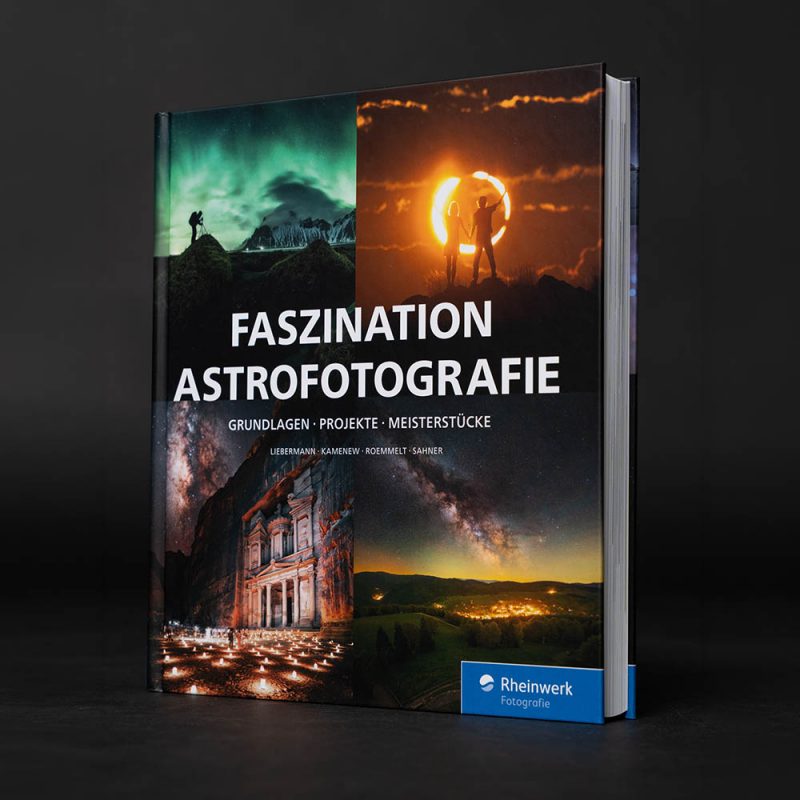
The Fascination of Astrophotography: Basics, Projects, Masterpieces.
39,99 €No VAT invoice, as the business qualifies as a small business under §19(1) of the German Value-Added Tax Act (UStG).
plus shipping costs
-
Photoshop Action Pack (discontinued)
25,00 €No VAT invoice, as the business qualifies as a small business under §19(1) of the German Value-Added Tax Act (UStG).
-
Special Offer!
Astro Tools | Photoshop Plugin for Astrophotography (7-day trial version)
The original price was: €59.990,00 €The current price is: €0.00.No VAT invoice, as the business qualifies as a small business under §19(1) of the German Value-Added Tax Act (UStG).
-
Astrophotography Image Processing Workshop
From 120,00 €No VAT invoice, as the business qualifies as a small business under §19(1) of the German Value-Added Tax Act (UStG).

Get in touch with me!
If you have a special request that I cannot fulfill here, or if you have questions about an order, please contact me using this form!